Clear main subject
Use images where the character or object is easy to see and not lost in a crowded scene.
Use drawings, concept art or reference images you own to guide a concept board. When the direction is right, unlock paid digital 3D generation and downloads.
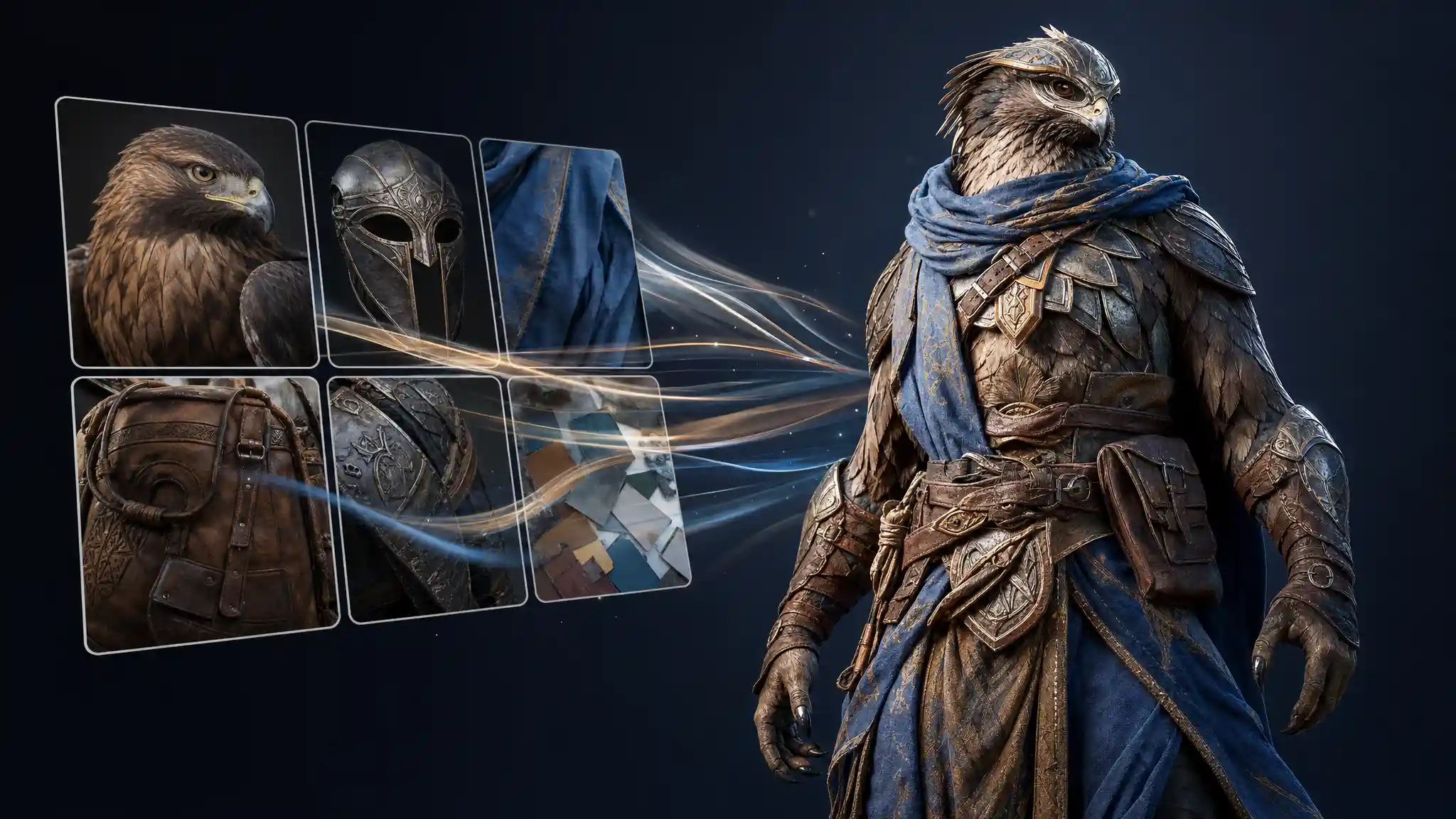
Upload guidance
Use images where the character or object is easy to see and not lost in a crowded scene.
Avoid mixing references that contradict each other unless you explain what should be kept.
Front, side and back references can help if they show the same original design.
Bright, sharp images are generally easier to interpret than dark or blurred photos.
Upload work you created, commissioned or have permission to use.
Avoid screenshots, fan art or branded character references from games, films, toys or comics.
My Idea 3D
AI-assisted image-to-3D works best as a creative interpretation route. It can help transform a visual idea into a model direction, but it should not be marketed as guaranteed photographic reconstruction or professional CAD conversion.
Questions
Ready to create?
Register and start a free concept board from images.