Use a clear subject
The subject should be large in frame and not hidden behind other objects.
Better reference images can make the concept stage clearer. Use your own images, keep the subject visible and avoid copyrighted references.
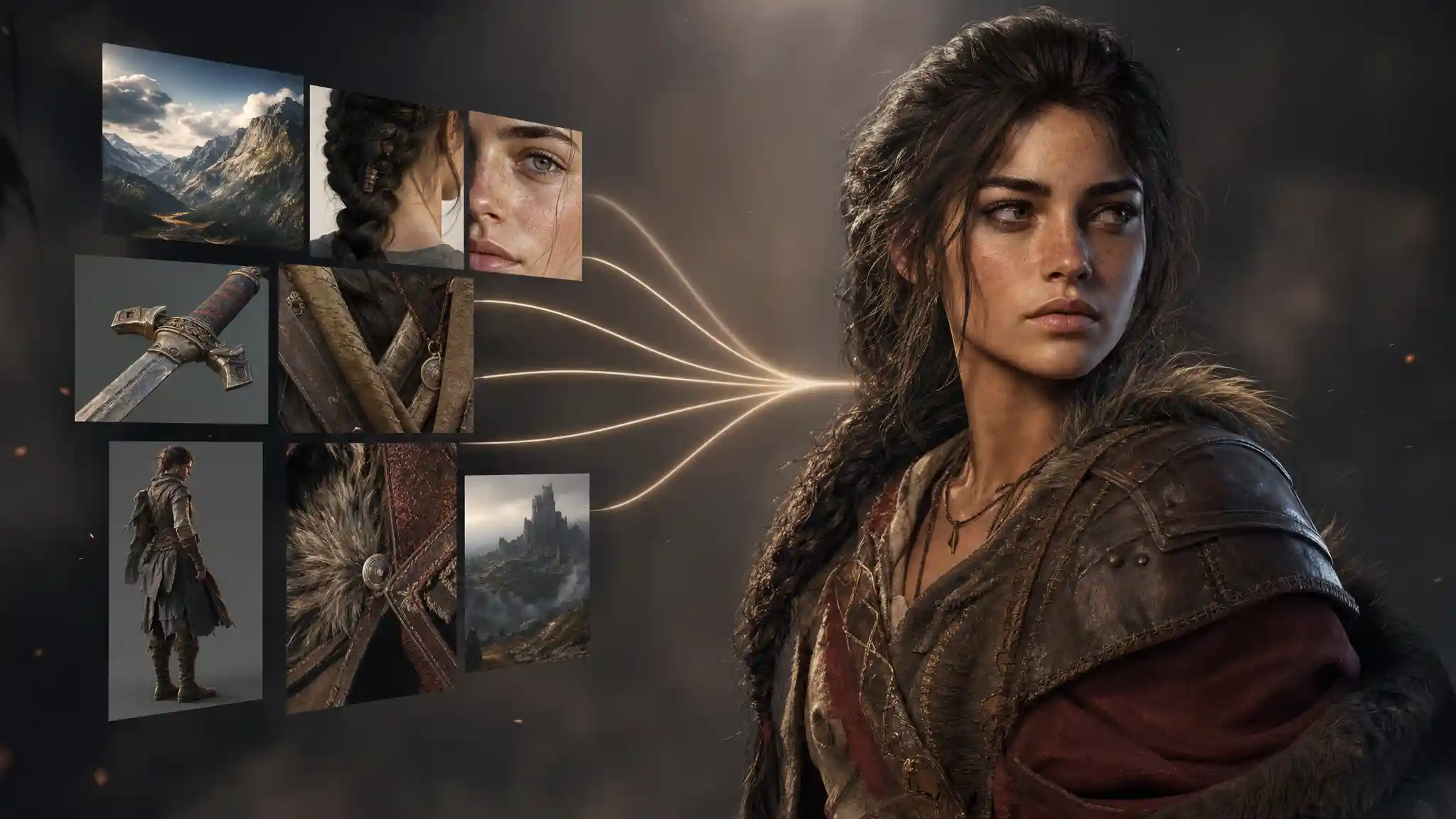
Image quality
The subject should be large in frame and not hidden behind other objects.
Simple backgrounds help keep attention on the character or object.
Multiple views should show the same design, not different versions.
Small accessories and textures should be visible enough to guide the result.
Upload only images you created, commissioned or have permission to use.
Screenshots from games, films or branded media are not suitable references.
My Idea 3D
Image-to-3D is a creative generation workflow, not a guaranteed exact scan or engineering conversion. It is strongest for visual idea development, characters, creatures, mascots, simple props and collectible concepts.
Ready to create?
Register and start an image-led concept board.