Keep the view clear.
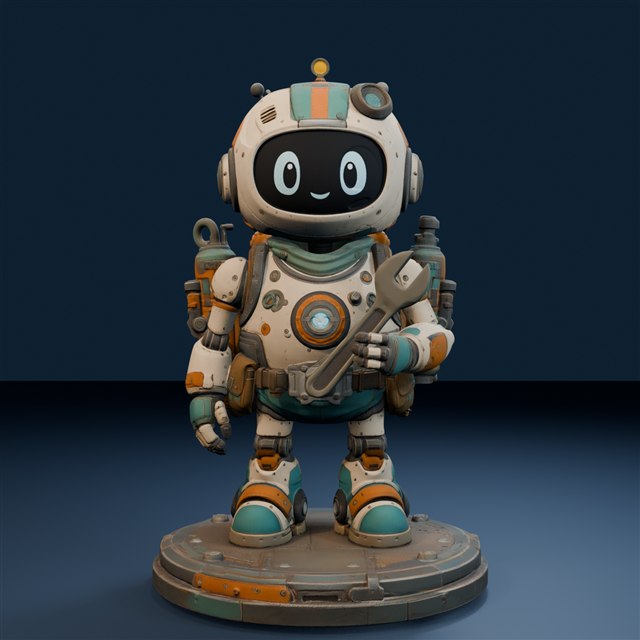
Choose a sharp image with a simple background. Avoid heavy cropping, obstructions or lighting that hides the silhouette. A drawing can be useful when its important outlines and proportions are easy to see.
Keep multiple views consistent.
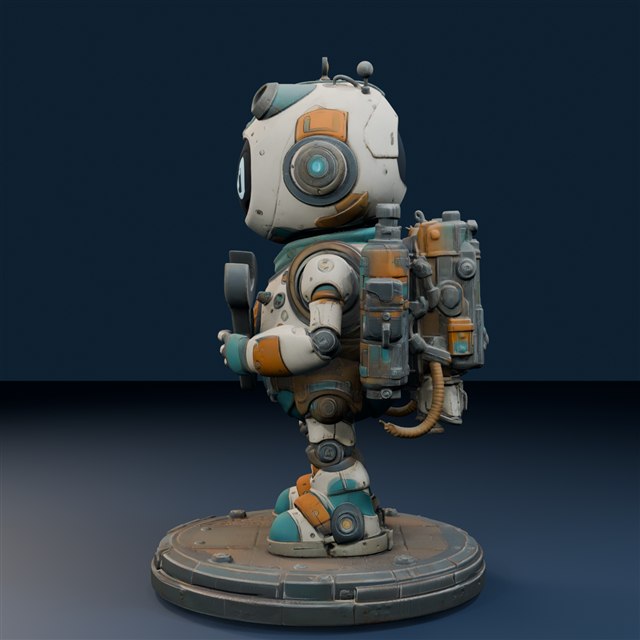
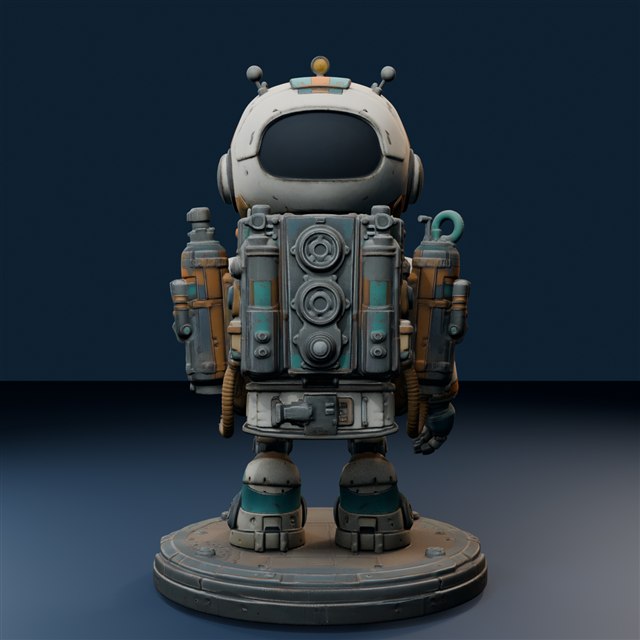
If you use more than one image, show the same design. Contradictory proportions, outfits or accessories make the intended shape harder to interpret.
Think about unseen surfaces.
A single image cannot show the back, underside and hidden surfaces. Expect the generated model to interpret them, and inspect those areas in the app preview.
Use material you have permission to use.
Use your own artwork or appropriately licensed references. Avoid photos with personal details or people who have not agreed to their use.
Create from my images ↗︎