02 / START WITH SOMETHING VISUAL
Turn your images
into 3D.
Your sketch. Your artwork. Your reference images. Use them as the starting point for a custom collectable.
Create from my images ↗︎A new perspective on your artwork.
Uploaded image or images → 3D model → print-ready model → optional printed model
Make the subject easy to see.
Choose a clear image with an uncluttered background. If you use several references, keep the subject and its proportions consistent.
Choose useful reference images →Expect interpretation.
An image cannot show every side of an object. Review the generated model, especially unseen surfaces, proportions and fine details.
Upload and review your images in My Idea3D. Available print preparation and printing options are shown there.
ONE SUBJECT. SEVERAL PERSPECTIVES.
Think around
the whole model.
A robot's face tells one part of the story. Its side and back reveal the depth and equipment that complete it.
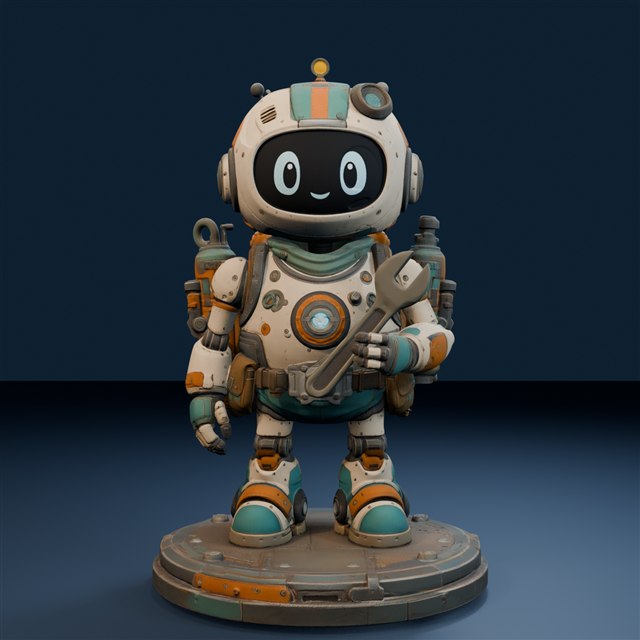
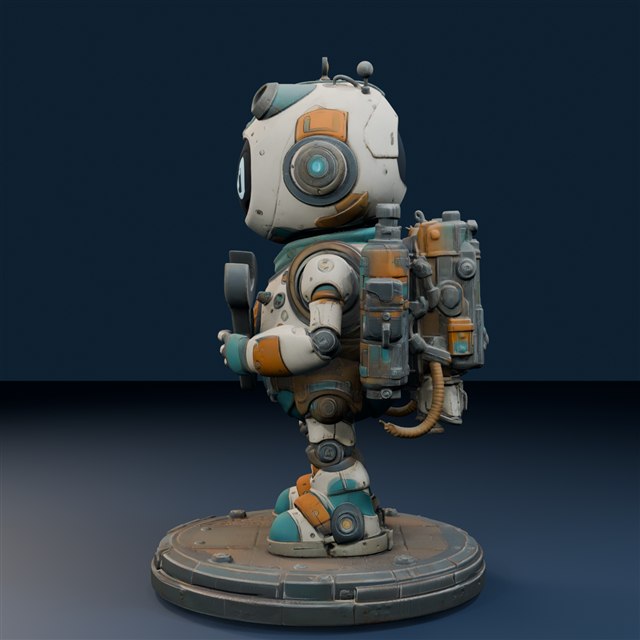
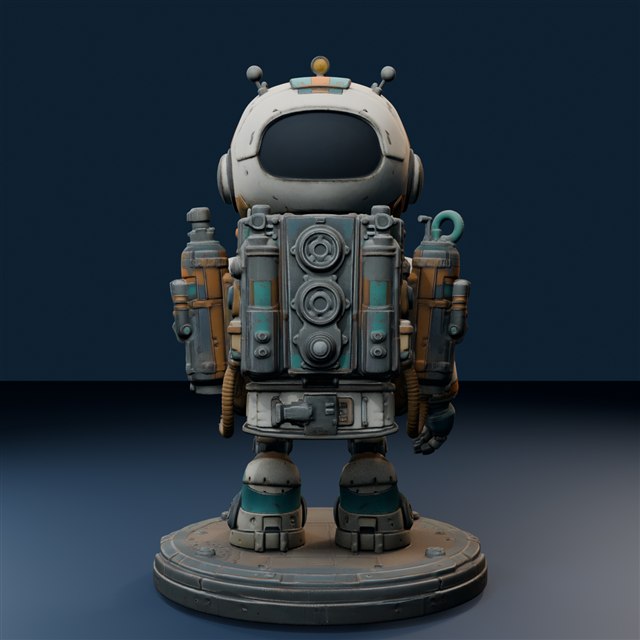
Three renders of the same digital model illustrate useful viewing angles. These are model views, not the original input images.
See the robot in a full turntable →Use images you created or have permission to use. Avoid including personal or sensitive information. Read originality guidance →