A preview shows what a model looks like. Preparing a successful print means looking at how the shape will be made.
A file format is only part of the picture.
Check which formats the package or Gallery listing includes. A file extension alone does not establish that a model is suitable for your printer, material or chosen scale.
Check geometry and scale.
Very thin parts, disconnected pieces and enclosed spaces can affect print preparation. Inspect the model in suitable software and check the dimensions before printing. Scaling a model down can make fine details fragile.
Prepare for your process.
Orientation, supports, material and slicing settings depend on the printing method. Follow the printer and material manufacturer's instructions, including handling and ventilation requirements.
Compare the included preparation.
The pricing page identifies whether print analysis and repair are included in each creation package. A Gallery listing identifies the available digital files and any defined dimensions.
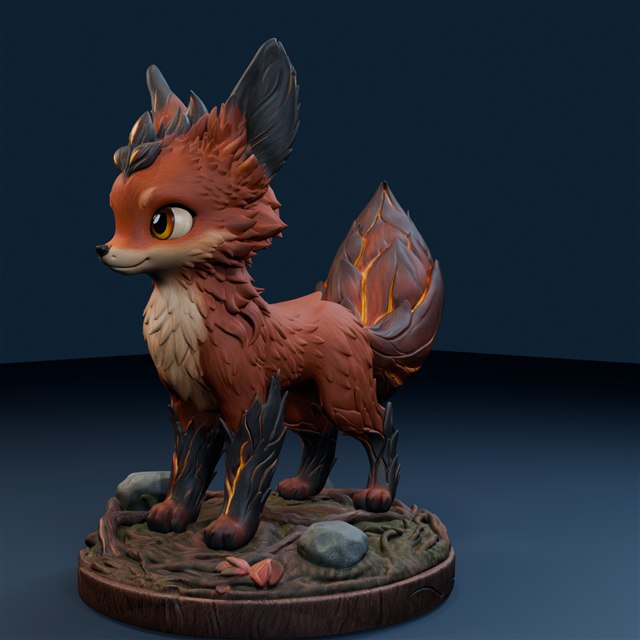
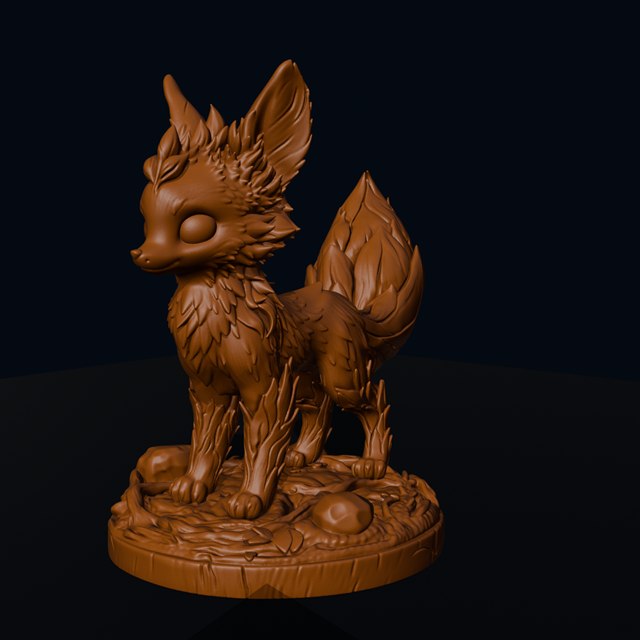
Cinderbrush's textured render and single-colour mesh preview help you focus on different parts of the design.
Colour and characterThe digital surface helps communicate the intended appearance.Shape and detailA single-colour preview brings the sculpted surface into focus.
Both images are digital renders. The single-colour view is a mesh preview, not a photograph of a printed model.
The smallest shapes
Look at the ear tips and fine fur. Their size matters when you choose the scale of a print.
The projecting forms
The tail, chest and underside deserve a closer look during support preparation.
The ground contact
The integrated woodland base is part of the shape to check when planning the model's orientation.